
Find Putnam County Recent Bookings
Putnam County Recent Bookings are easiest to check through the sheriff's iSOMS roster when you want the current custody view for Cookeville and the rest of the county. The portal supports current inmate searches, last 72 hours searches, first name lookup, last name lookup, and a detailed profile view for each match. That makes it a practical place to confirm a new booking, check the arresting agency, or move from a name in a report to the county's own custody record. This page keeps the county search path in one place and points you to the offices that actually hold the record.
Putnam County Recent Bookings Quick Facts
Putnam County Recent Bookings Sources
The main county booking source is the iSOMS portal at isoms.putnamcountytnsheriff.gov:8001/. The research says you can search current inmates, search the last 72 hours, and look up records by first name or last name. The detailed profile view is the part that matters most once you have the right person. It can show the full name, age, race and sex, classification, intake date and time, city, arresting department, arresting officer, release date, and the complete charge list with bond amounts.
That field set is useful because Putnam County gets bookings from several agencies. The research specifically names the Cookeville Police Department, Sparta Police Department, Monterey Police Department, and Baxter Police Department. When you know which agency made the arrest, it is easier to pick the right record and avoid mixing one person's booking with someone else who shares the same name.
Lead-in: the official Tennessee Department of Correction page at tn.gov/correction.html is the source behind the first state image below.
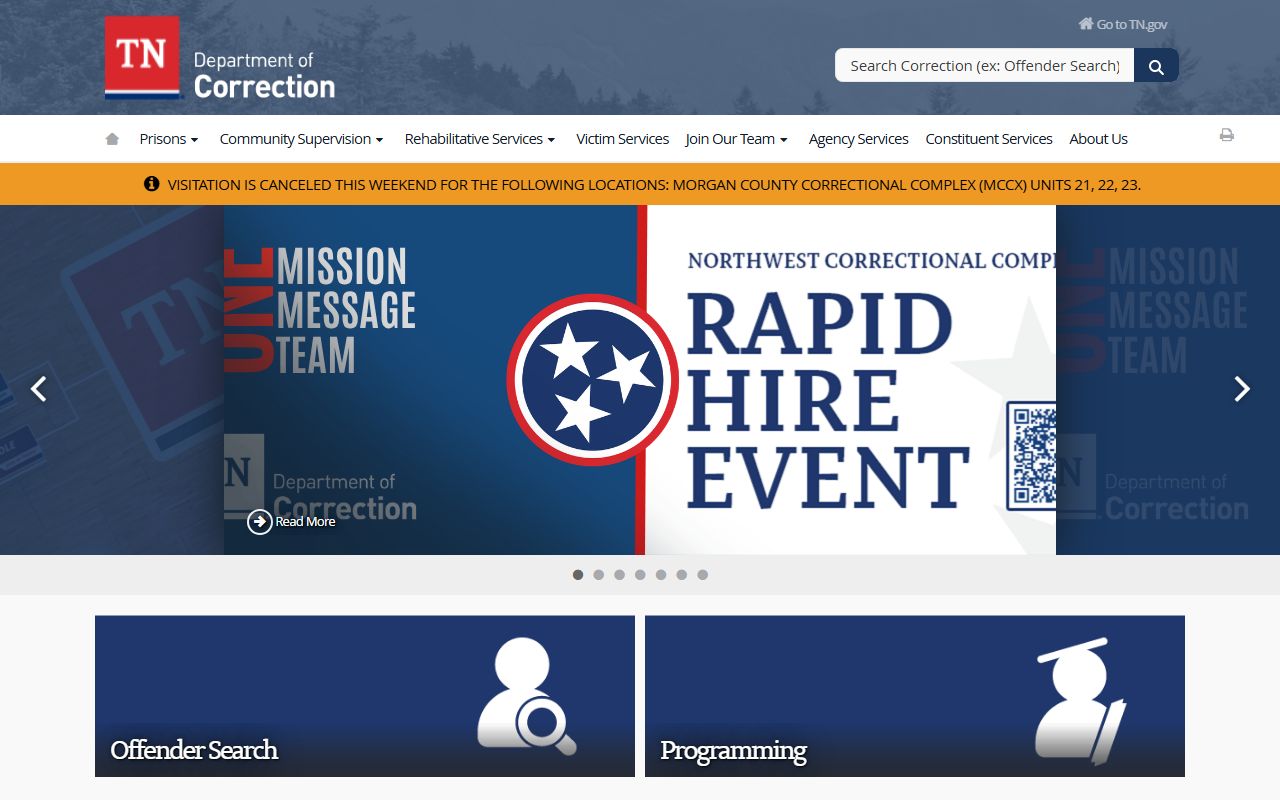
The image gives the page a state-level anchor and helps when you want an official custody reference alongside the county roster.
The research also includes a March 2026 demographic breakdown. Use that only as background context. It can help you understand the jail population, but the actual search still starts with the current inmate view, the 72-hour window, and the detailed profile fields.
How to Search Putnam County Recent Bookings
Start with the current inmate view if you think the person is still in custody. If the booking is very recent, the last 72 hours view can be faster because it narrows the field to new entries. Putnam County Recent Bookings are much easier to read when you use the shortest useful window and then expand only if you need to.
First name and last name search both matter in this portal. A first-name search can help when you know the booking came through but do not have the full name in front of you. A last-name search works better when the surname is unusual or when you already know the person was booked by a specific department. Once you find the right entry, the detailed profile view gives you the intake time, arresting department, arresting officer, release date if one is listed, and the complete charge list with bond amounts.
Keep a few basics ready before you search:
- Full name or a strong last-name match
- Approximate booking date
- Whether you need the current view or the 72-hour view
- The arresting department if you already know it
- Any charge or bond detail you want to confirm
That approach keeps the search practical. It also helps when a booking is moving quickly through the county system and the arresting agency, release date, or charge list may change as more information is entered.
Putnam County Jail Details
The jail address is 421 E Spring Street, Cookeville, TN 38501, and the main phone is 931-528-8484. Sheriff Eddie Farris is the county law enforcement leader listed in the research, so those details give you the right office when you need a direct county contact. That is useful if the roster entry raises a question about custody or if you need to confirm which office has the file.
The booking information in the iSOMS profile is tied closely to the jail, which is why the address and phone number matter. A live roster entry can tell you a lot, but the jail office is still the place that manages the day-to-day custody record. If the person was booked by one of the county's city police partners, the jail is usually where the custody side becomes visible in the public record.
The March 2026 demographic breakdown in the research is background information, not the search path itself. For a working Putnam County Recent Bookings search, the most useful facts are the jail location, the current roster view, the 72-hour view, and the profile fields that show who made the arrest and what charges were entered.
Putnam County Recent Bookings Records
If you need a copy or a formal request, go through the Sheriff's Office lobby. The research says a request form is required and typical processing takes 24 to 48 hours. That makes the lobby the right place when the roster is not enough and you need a county record rather than just a web view. Keep the name, date, and record type tight so the office can match the request quickly.
The county also lists a few practical fees that are sometimes useful after a booking search. Vehicle accident reports are $5 cash, and fingerprinting is $5 exact cash by appointment. Those charges are not part of the intro search path, but they matter when a booking leads to a report request or another county service. If you are asking for a copy, it is better to know the fee structure before you arrive at the lobby.
When a booking needs to be matched against a city report or a court step, a narrow request is still the best move. Putnam County Recent Bookings already give you the arresting department, the intake time, and the bond list, so you can ask for the exact record instead of a broad file dump. That usually saves time on both sides.
State Tools For Putnam County Recent Bookings
State tools are useful when the county roster does not answer everything. The Tennessee Bureau of Investigation criminal history page at tn.gov/tbi/criminal-history-records.html gives you a statewide adult history path, while the Tennessee Open Records page at tn.gov/openrecords helps explain the access process if you need guidance on a request. Those pages do not replace the county booking record, but they can support it when you need a broader Tennessee check.
The Tennessee expungements page at tn.gov/courts/trial-courts/criminal-courts/expungements.html is also helpful when a past entry does not show up the way you expect. For a court cross-check, tncrtinfo.com can help connect the county booking to a public case record. Used together, those state references give you the next step after the local roster.
Lead-in: VINE at vinelink.com is the source behind the second Putnam County state image below.
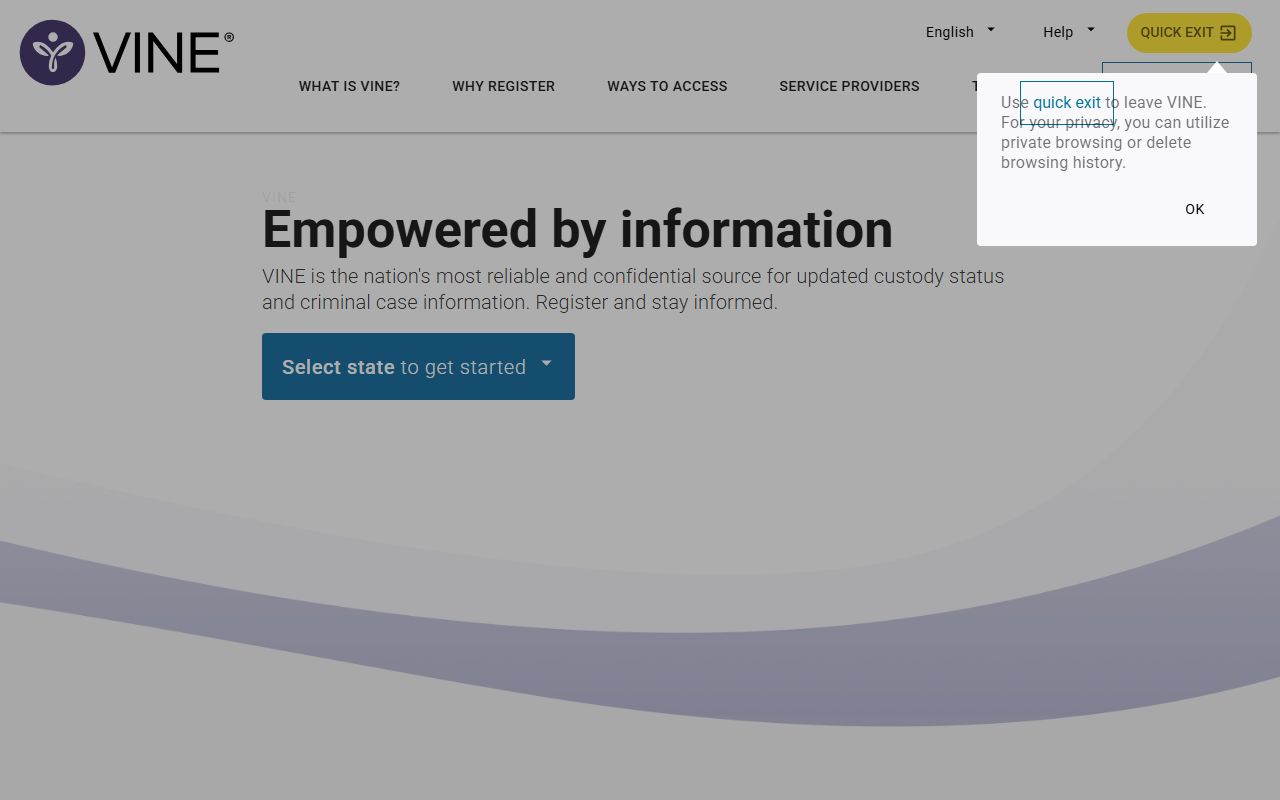
The image adds another official custody reference and helps show where a county booking fits inside the broader Tennessee notification system.
Putnam County Recent Bookings Summary
Putnam County Recent Bookings are easiest to trust when you treat the iSOMS portal, the jail details, and the lobby request process as one chain. The roster gives the first view. The jail confirms custody. The lobby handles the record request path when you need a copy or a formal follow-up.
That order keeps the search clear and practical. Start with the current or 72-hour roster view, confirm the arresting department and bond details, and then move to the Sheriff's Office lobby only if you need a record that the portal does not fully answer.