
Find Davidson County Recent Bookings
Davidson County Recent Bookings are best checked in two steps. Start with the city booking list, then move to the sheriff search if you need custody details or a fresh county record. Nashville moves fast, so the same name can appear in a police list, a jail search, and a court search at different times. That is why a local, current source matters. It helps you confirm who was booked, when the arrest landed, and whether the person is still in county custody or already shifting into court records.
Davidson County Recent Bookings Quick Facts
Davidson County Recent Bookings Sources
The main city source is the Metro Nashville Police booking list at nashville.gov/departments/police/news-and-reports/daily-booking-list. It shows Davidson County bookings in a three-day window. Weekend and holiday arrests post on the next business day, so a fresh entry may not appear right away. That timing explains a lot of the gaps people see when they search too early. It also makes the city feed the first place to check if you need a fast answer.
The county-level source is the Davidson County Sheriff's Office search page at dcso.nashville.gov/Search/Person/. That search is for active inmates only. The Recent Bookings view shows the 128 most recent bookings from the past 48 hours. Some of those people may already be released. The page updates continuously, which is useful when you want the newest custody snapshot rather than a later summary.
The records shown there are simple but useful. You can often confirm the inmate name, race, sex, date of birth, control number, admitted date, release date if it applies, and bond amounts that can change in court. Those details help you separate one booking from another and avoid mixing a recent arrest with an older case.
Lead-in: the Davidson County Sheriff's Office Recent Bookings page is the source behind the image below.
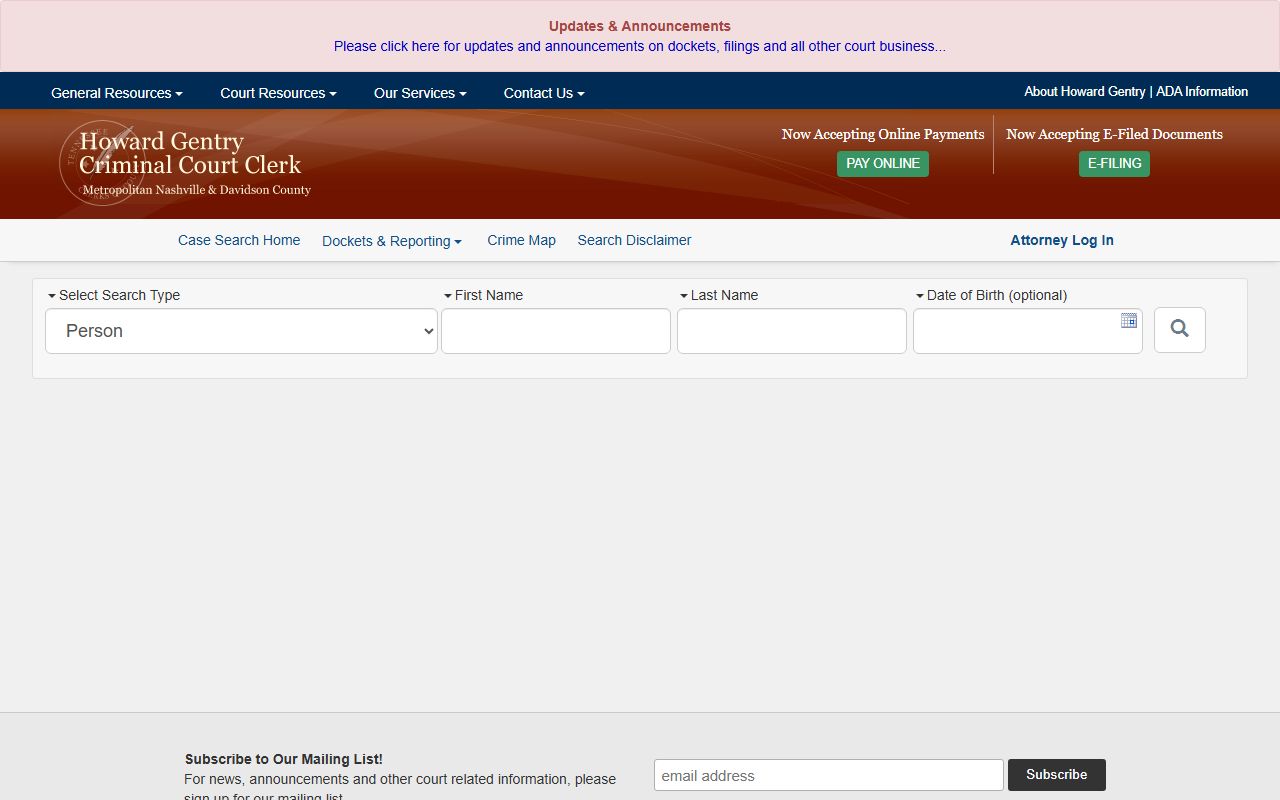
The image keeps the page tied to the county booking source. It is a simple visual anchor for the same search path the sheriff and city offices use.
How to Search Davidson County Recent Bookings
Search by name first. That is the cleanest move. If you already know the arrest was recent, start with the city list and then open the county recent bookings page to see whether the person is still active in custody. The sheriff search is stronger when you want a live inmate view. The police list is stronger when you want the newest city-side arrest feed.
When the name is common, add more detail. A date of birth, a rough booking date, or a known control number can save time. The records do not always line up in the same order, and a short search window helps keep the result set clean. That matters in Davidson County because the daily booking list and the sheriff search update on different rhythms.
Keep these details ready before you search:
- Full name or strong last-name match
- Approximate booking date
- Whether you need the city list or county search first
- Any control number or court number you already have
- Date of birth if the name is common
If the booking happened on a weekend or holiday, check the list again on the next business day. If you see a citation arrest, remember that the booking date can differ from the arrest date. That kind of detail is small, but it often decides whether you find the right person on the first try.
Davidson County Jail Details
The Downtown Detention Center is the first stop for every arrestee in Davidson County. It sits at 200 James Robertson Pkwy, Nashville, TN 37201, and the facility holds 762 beds. That matters because a recent booking is not just a line on a page. It is a custody record tied to a real jail, and the jail is the place that can confirm whether the person is still there.
The Offender Information Center is available 24/7 at 615-862-8123. That number is the best county contact when you need to verify a current or released offender without guessing. It is also the cleanest way to move from a booking line to a live custody answer. If the sheriff search leaves you with a question about a release date or a current hold, that office can usually help you sort it out.
The Records Center is at 610 W Due West Ave, Madison, TN 37115. It is open Monday through Friday from 7:00 AM to 3:30 PM, and it handles inmate records only. That distinction matters. It is not the same thing as a general city records desk. If your Davidson County Recent Bookings search needs a custody record rather than a police list, the Records Center is the better local follow-up.
Davidson County Recent Bookings Records
When the booking turns into a court question, the Criminal Court Clerk search at sci.ccc.nashville.gov is the next place to look. A booking can show up first in the police feed, then in the sheriff system, and later in the court record. The clerk search helps you follow that trail. It is useful when the name is common, when a bond has changed, or when you want the case number tied to the arrest.
Davidson County also keeps a city records path through the police records unit at nashville.gov/departments/police/records. If you need a police report or a booking-related file, that office is the right place to ask. The city records request page at nashville.gov/departments/law/records-request gives another official entry point for requests. Those routes matter when the public booking list does not contain the exact document you need.
Note: mugshots are not posted online in Davidson County, and the online results should not be relied on for legal action. Bond amounts can also change in court, so the safest path is to confirm with the county office before you treat any listing as final.
Davidson County Recent Bookings Access
When the county pages do not answer everything, the state tools help you widen the search in a controlled way. The Tennessee open records page at tn.gov/openrecords is the main public entry point for records guidance. The Tennessee Bureau of Investigation criminal history page at tn.gov/tbi/criminal-history-records.html helps when you need a broader adult history check rather than a live jail status.
The Tennessee courts expungements page at tn.gov/courts/trial-courts/criminal-courts/expungements.html is also useful when a record does not appear the way you expected. A booking can still leave a paper trail even if the public view is thin. That is why it helps to check the local source first, then move to the state pages only when the county trail points you there.
If you are trying to track a fugitive or active warrant question, the police booking list is not the same thing as the warrant office. Keep those questions separate. That keeps a Davidson County Recent Bookings search from drifting away from the record you actually need.
Davidson County Recent Bookings Summary
Davidson County Recent Bookings are easiest to handle when you use the city list, the sheriff search, and the court clerk in the right order. The city feed gives the quick arrest picture. The sheriff page gives the live custody view. The court clerk ties the booking to a case when the record has moved forward.
That path keeps the search clean and local. Start with the name, confirm the booking window, and then move to the county office only if you need the record behind the booking. That is the most practical way to stay aligned with Davidson County and get the right result without guessing.